Google Play Store PC
Google Play is Google's digital distribution platform. On Windows, Google offers Play content through the browser and Google Play Games on PC.
52.9 MB
HP Smart is HP's free app for printing, scanning and copying with HP printers. This page covers version 166.2.1118.0 for Windows.
Average 0.0 · ratings: 0
Thank you! Your rating is saved; you can change it. Could not save the rating. Please try again later. Too many ratings from your network today. Please try again tomorrow. The average appears after 5 ratings.
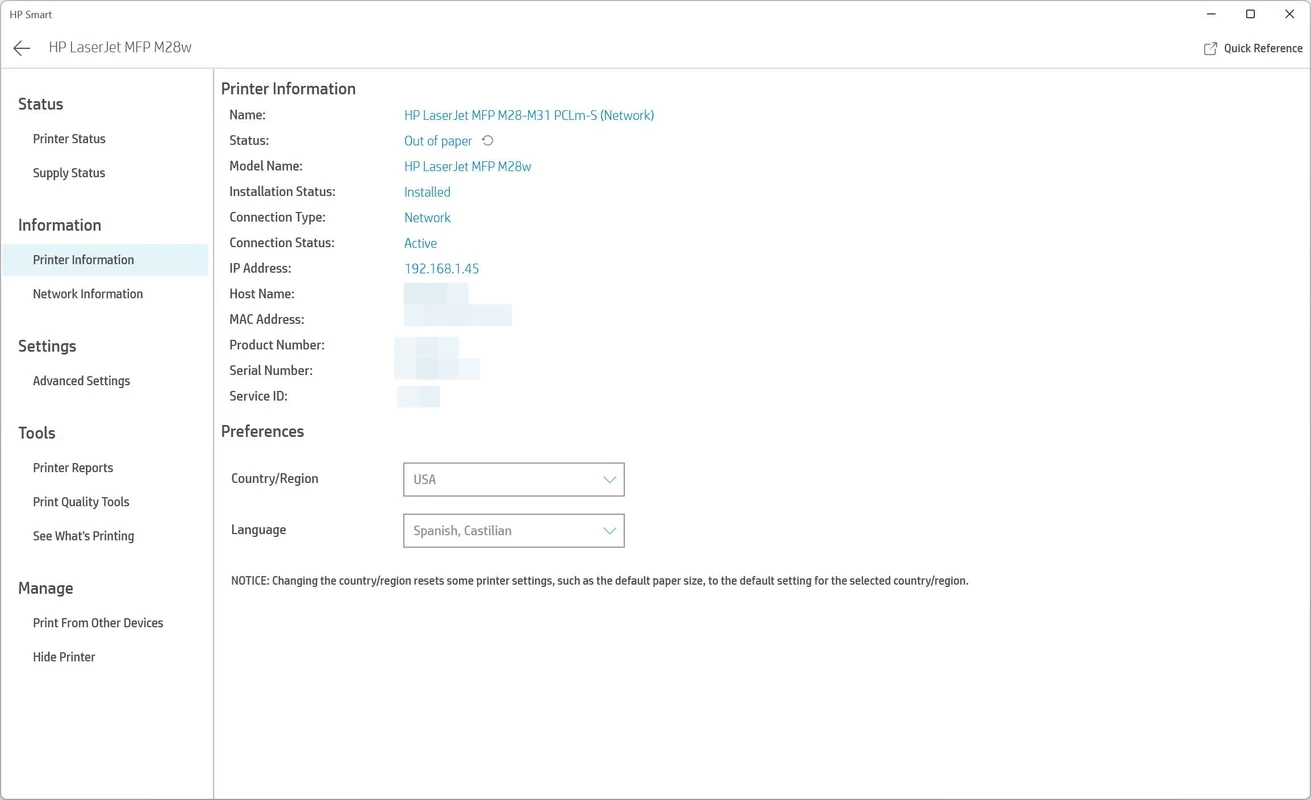
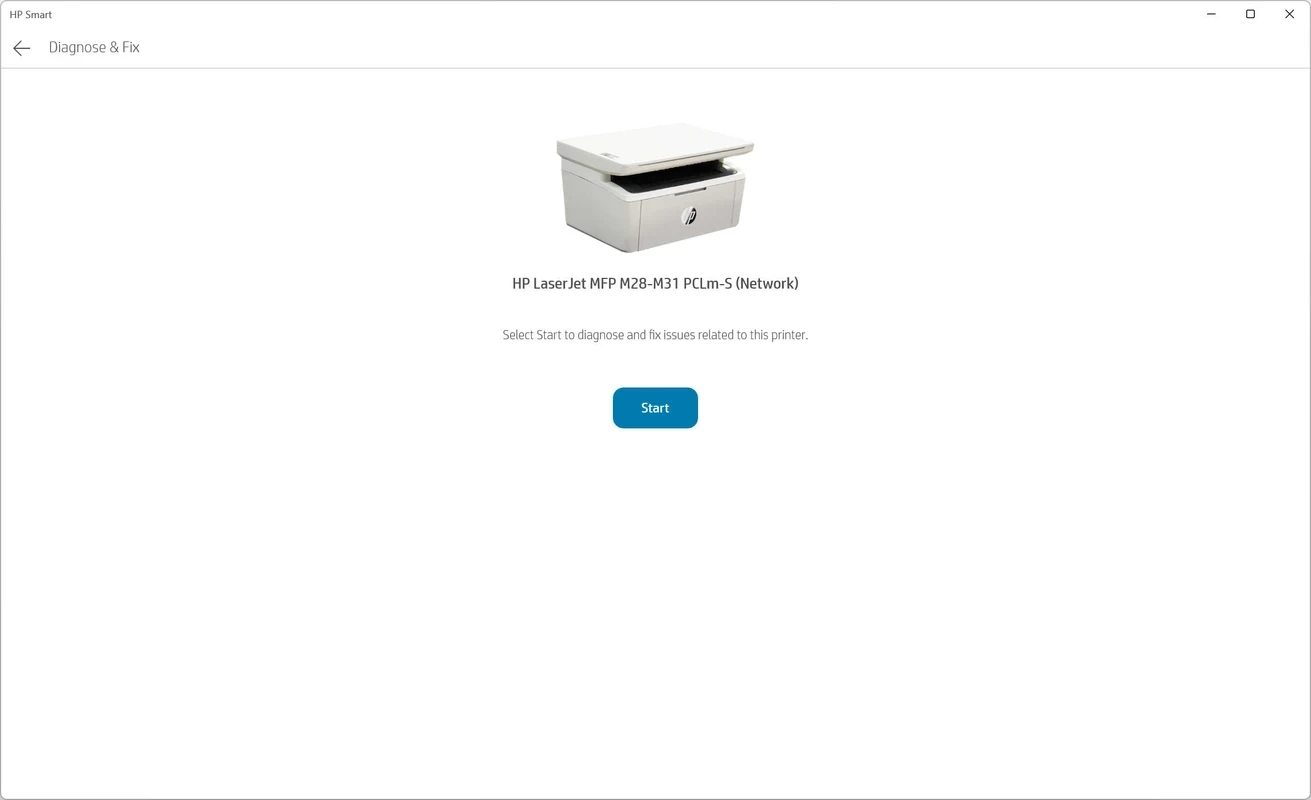
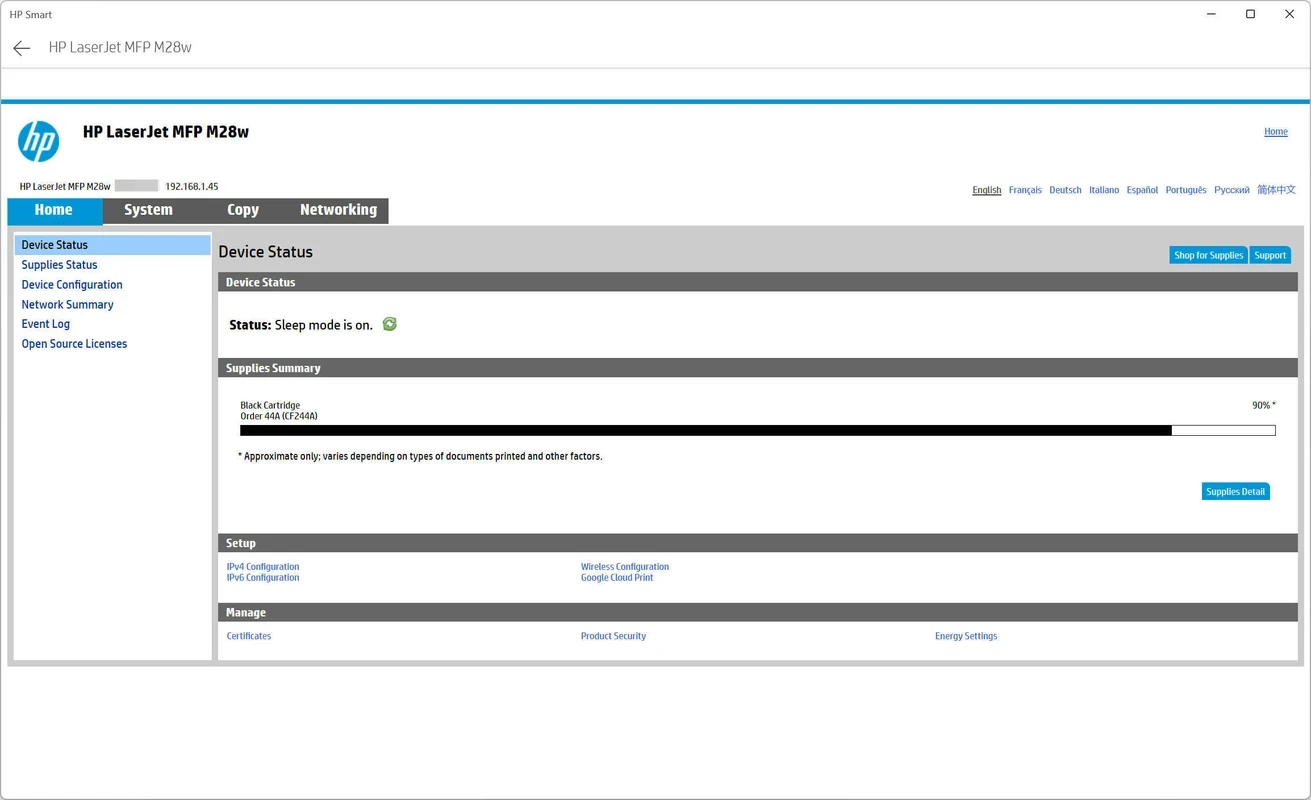
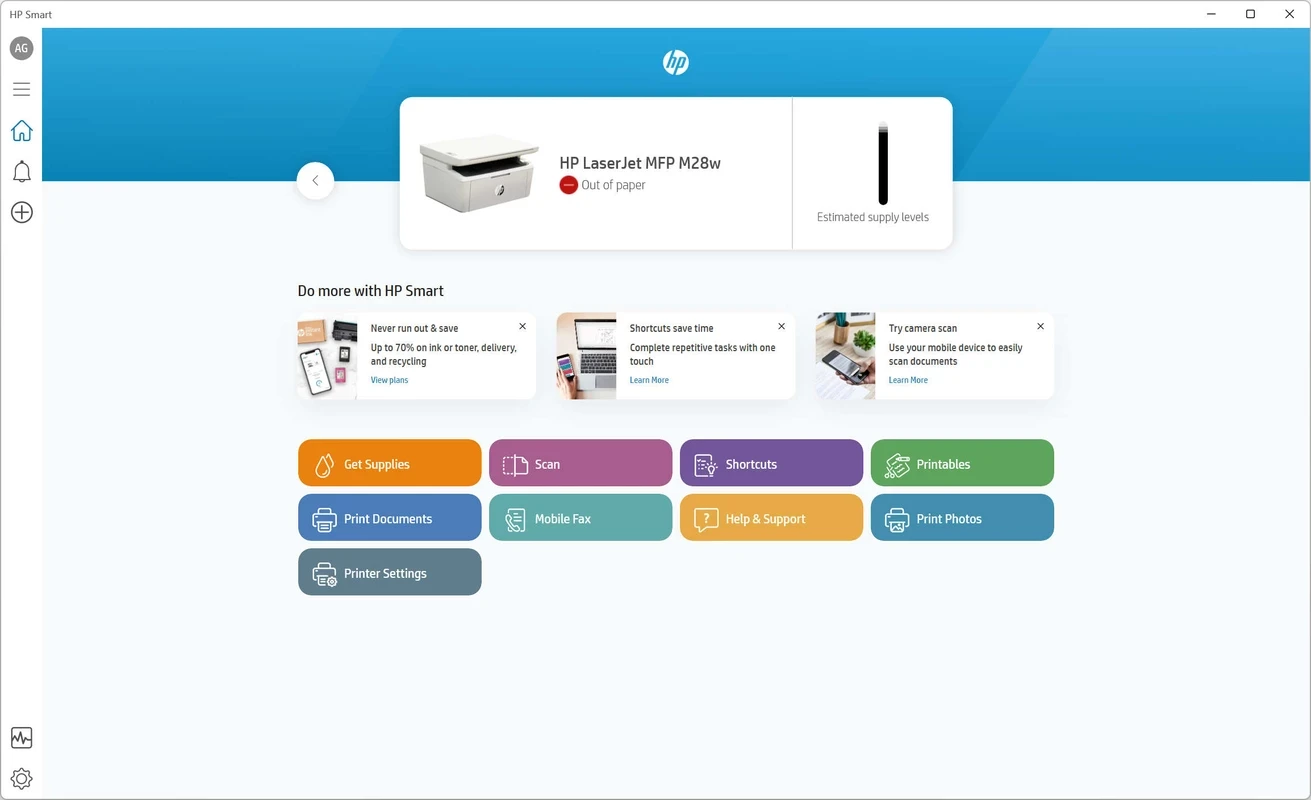
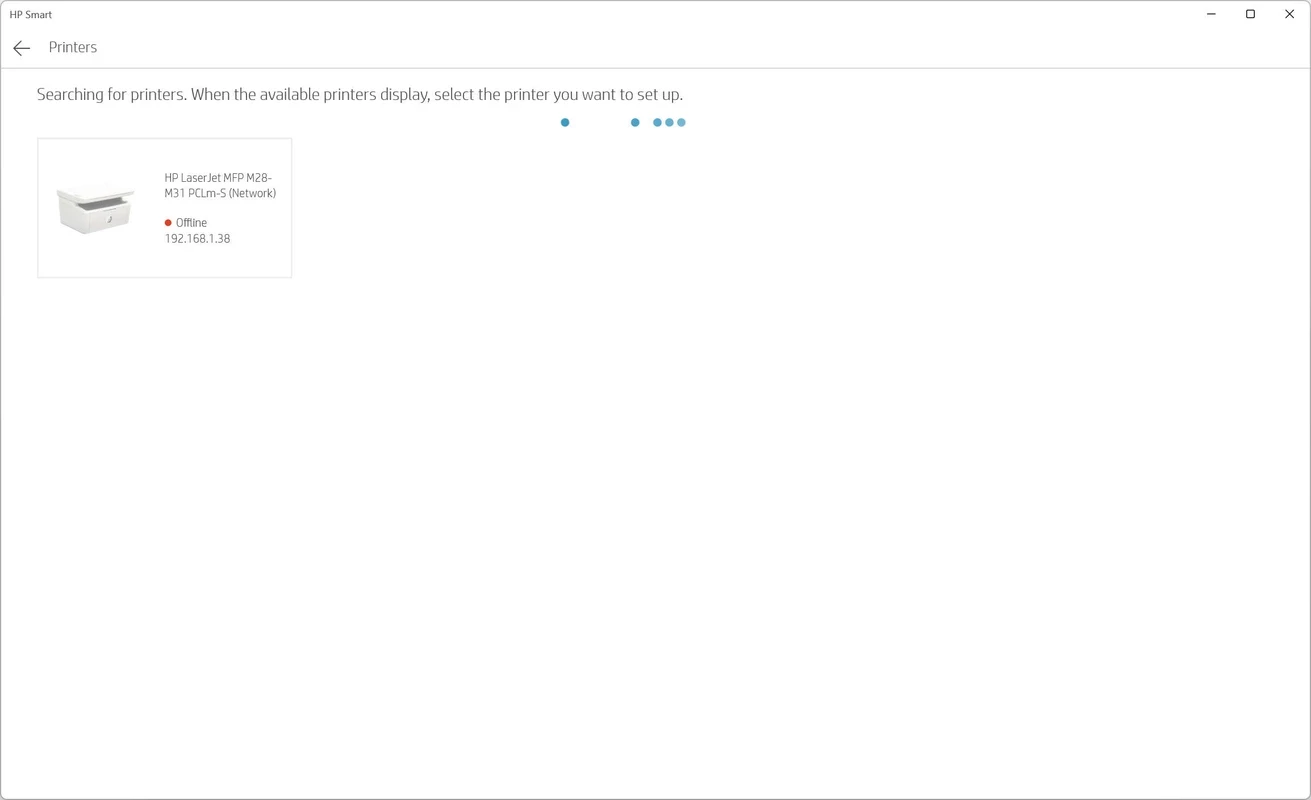
HP Smart 166.2.1118.0 for Windows is HP's free app for setting up printers and for printing, scanning and copying from a PC. You can download it through hpsmart.com or the Microsoft Store; below are the quick facts and a step-by-step guide to getting your printer working.
| Item | Details |
|---|---|
| App | HP Smart |
| Developer | HP Inc. |
| Version | 166.2.1118.0 |
| System | Windows |
| Price | Free |
| Used for | printing, scanning, photocopying |
| Package size | about 590.48 MB according to catalogue data |
| Updated | August 2026 |
HP Smart is the companion app for HP printers and scanners. When you buy a new printer, it walks you through connecting the device to your Wi-Fi network and to the computer, so you do not have to hunt for drivers on your own. After setup it becomes a control panel: you see whether the printer is online, how much ink or toner is left, and you can start a print or scan job from one window. Scanning is where many people use it most, because it lets you scan documents to a PDF or an image, crop the pages and save or share the result. The same app exists for phones, so a household or small office can manage one printer from several devices. It is meant for HP hardware only; with printers from other brands it has nothing to offer.
If the app cannot find the printer, restart both the printer and the router, make sure the PC and printer are on the same network, and temporarily disable a VPN. When scanning fails, check that no other scanning program is holding the device. Reinstalling HP Smart from the store solves many stubborn problems.
HP does not list separate requirements for this build. You need a current Windows PC, an HP printer or scanner and, for wireless setup, a working Wi-Fi network.
HP Smart has no direct counterpart in our listings: it is built for HP devices only. If you own a printer from another brand, use that manufacturer's own app. For general file handling after scanning, Total Commander from the same tools category can help organise the results.
Google Play is Google's digital distribution platform. On Windows, Google offers Play content through the browser and Google Play Games on PC.
Media Creation Tool is a free Microsoft utility that downloads Windows and turns it into a bootable USB flash drive or an ISO file.

LDPlayer is an Android emulator for Windows that runs mobile apps and games on a computer.

BlueStacks is an Android emulator for Windows that lets you run Android apps and games on your PC.
Rufus is a free Windows utility that turns a USB stick into a bootable installer. The current version is 4.15.

PC App Store is a free software store for Windows from Baidu for finding, installing and updating PC programs. This page covers version 5.0.1.8682.

Uptodown App Store for Windows is the desktop client of Uptodown, a marketplace for desktop software and mobile apps. This page covers version 1.0.3.

NoxPlayer is a free Android emulator from Bignox for Windows and macOS that runs mobile games and apps on a computer with keyboard and mouse control.